Most MT5 copiers ask for investor passwords or run trades on someone else's infrastructure. xTriel Copier is different: it is connectivity software. You attach xTrielCopier EA to each leader and follower terminal, wire routes in app.xtriel.com/copy, and every order still opens on your local MetaTrader 5.
xTriel Copier is pay-to-use: a subscription unlocks route configuration, the EA download, and live follower execution — Basic ($29/mo), Pro ($59/mo), or Max ($99/mo). Active Pro or Max monitoring subscribers can start checkout from the authenticated Copier dashboard for subscriber prices of $23, $47, or $79/mo.
How xTriel Copier works
The flow mirrors what you see in the dashboard:
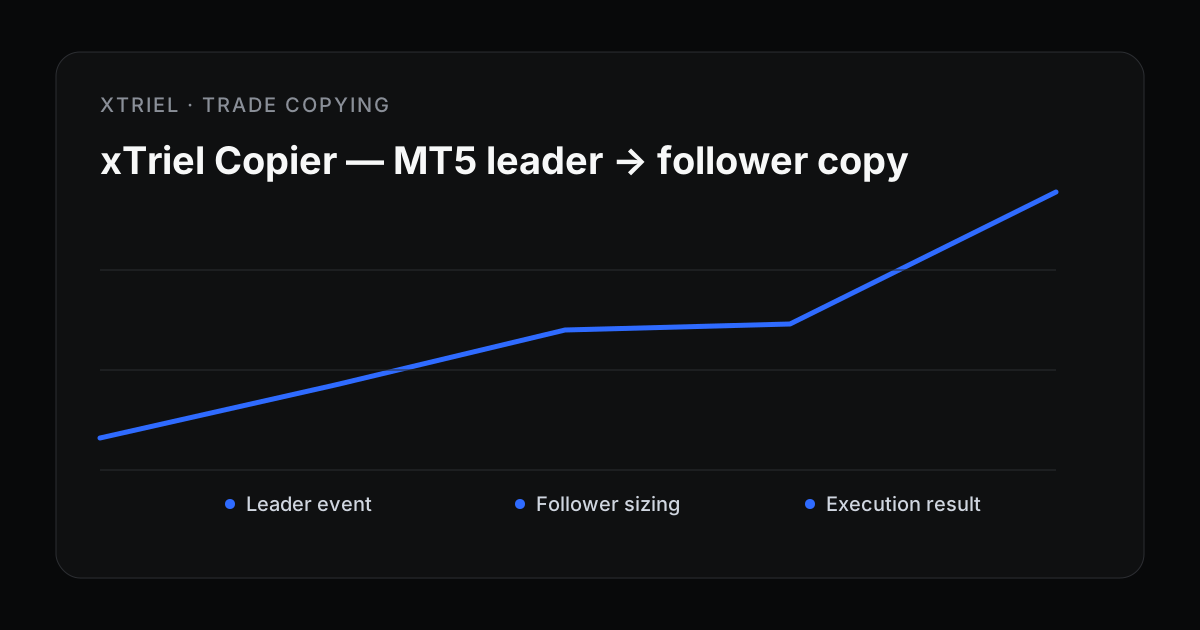
- Leader EA detects opens, closes, and SL/TP modifies on the leader terminal and posts events to xTriel.
- Cloud routing applies leader filters (order types, max open positions, emergency stop) and queues follower commands.
- Follower EA polls for commands and executes locally. A terminal that isn't assigned to an enabled route — or on an account without an active Copier plan — acks commands as skipped and never trades.
The Reporter EA you use for monitoring and xTrielCopier can run on the same terminals. Copier uses the same Ingest Token — no separate broker login.
The route builder
The Copier page is a lane board: leaders on the left, followers on the right, animated bezier links in between. Add terminals, drag from a leader port to a follower to link them, and save multiple named routes. Each route has its own leader/follower settings, and you enable or disable each follower link.
The command log streams recent copy events over SSE — queued, delivered, executed, skipped, rejected, or error — so you can verify routing before pointing followers at live money.
Safety filters that matter
| Layer | What you control |
|---|---|
| Leader | Max open positions, order-type filters, profit/loss gates, emergency stop |
| Follower | Lot multiplier, reverse mode, SL/TP mirroring, symbol map, price offsets |
| Route | Enable/disable per follower link |
Always test on demo first
Point the follower terminal's EA at a demo MT5 account and enable the route. Place a test trade on the leader, confirm the command log shows the expected action and symbol executing on your demo follower, then switch the follower to a live account only when the route is clean. A terminal that isn't assigned to an enabled route simply acks commands as skipped and never trades.
Full setup steps live in the support guide: Set up xTriel Copier.
Copier pricing vs monitoring
Monitoring (Free / Starter / Pro / Max) covers dashboards, alerts, xTracker, and xAlmanac. Copier is a separate, pay-to-use add-on billed through Stripe: an active Copier plan is required to configure routes and download the EA. Every leader and follower also uses a monitoring account slot; Free has one slot, so a typical live route needs a tier with more.
See xTriel Copier plans for tier limits on copy groups and followers.
Primary source
Technical reference: official MetaTrader documentation. Broker and prop-firm terms can differ; verify the rules for the exact account you operate.
Subscribe to a Copier plan, download the xTrielCopier EA from your dashboard, connect leader and follower terminals, link them in the dashboard, and go live.