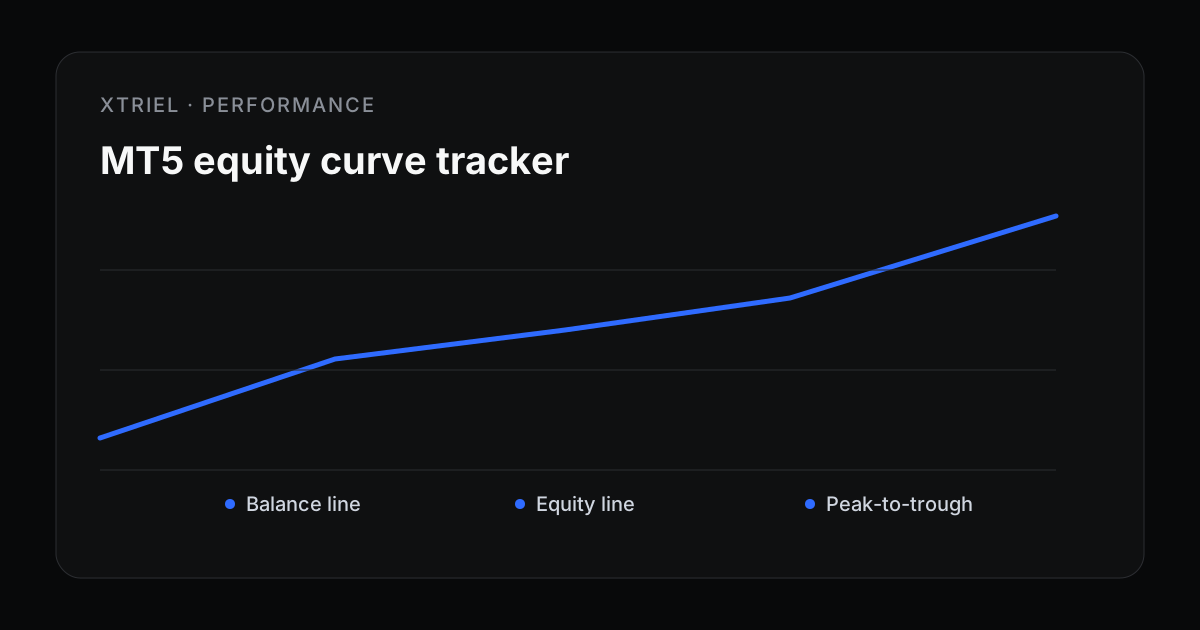
MT5 account history is useful, but it is incomplete. It shows what happened after trades closed. An equity curve adds the missing live dimension: balance plus floating profit and loss.
Balance curve vs equity curve
A balance curve moves only when a trade closes. An equity curve moves whenever open positions gain or lose value. That makes equity the better tool for understanding live stress.
| Curve | Includes floating P/L? | Best for |
|---|---|---|
| Balance | No | Closed-trade summaries, statements and realized performance. |
| Equity | Yes | Risk monitoring, drawdown alerts and EA behavior analysis. |
Choose a sane sampling interval
You do not need every tick to understand account health. For most account monitoring, a regular sample every few seconds or minutes is enough. The interval should be frequent enough to catch risk changes, but not so frequent that it creates noise without insight.
If the account trades very short-term strategies, sample more often. If it trades slow swing systems, slower sampling can still be useful. The important part is consistency.
Use equity curves for drawdown
Equity drawdown is the difference between a recent equity high and current equity. It catches floating losses before they become closed losses. That is why drawdown alerts should usually use equity as their current value.
For formulas, read MT5 drawdown calculator. For prop firm constraints, read Prop firm daily drawdown rules explained.
What equity curves reveal
- Hidden recovery behavior: frequent closed wins with deep floating dips.
- Session risk: repeated stress during rollover or a specific market session.
- Strategy drift: a curve that becomes more volatile after an EA update.
- Correlation: multiple accounts dipping at the same time.
- Stale reporting: a flat curve when the terminal should still be active.
Tracking equity in xTriel
xTriel reads account telemetry from MT5 through the Reporter EA, then turns it into live dashboard state: equity, balance, open P/L, drawdown and heartbeat. That gives you a clearer account picture than a closed-trade report alone.
If you are running EAs on a VPS, combine equity tracking with the setup guidance in Best VPS setup for MT5 EAs.
A clean equity review workflow
- Review the account-level equity curve before trade-level stats.
- Compare equity drawdown to the account’s daily and max limits.
- Check whether dips cluster by symbol, session or EA version.
- Investigate stale flatlines or missing telemetry.
- Use the findings to adjust size, alerts or strategy deployment.
Primary source
Technical reference: official MetaTrader documentation. Broker and prop-firm terms can differ; verify the rules for the exact account you operate.
xTriel tracks MT5 equity and drawdown so floating risk is visible before it becomes a closed-trade surprise.